Thank you! Your submission has been received!
Oops! Something went wrong while submitting the form.
By signing up for your free account, you agree to receive e-mails from Triggre.
By signing up for your free account, you agree to receive e-mails from Triggre.

As AI becomes part of business process automation, a key question emerges: can AI see everything your employees can see?
That risk is real. If an AI model or agent has access to large amounts of data, it may reproduce or expose that data in ways you did not intend. This is especially sensitive when dealing with domains like HR, finance, or customer data.
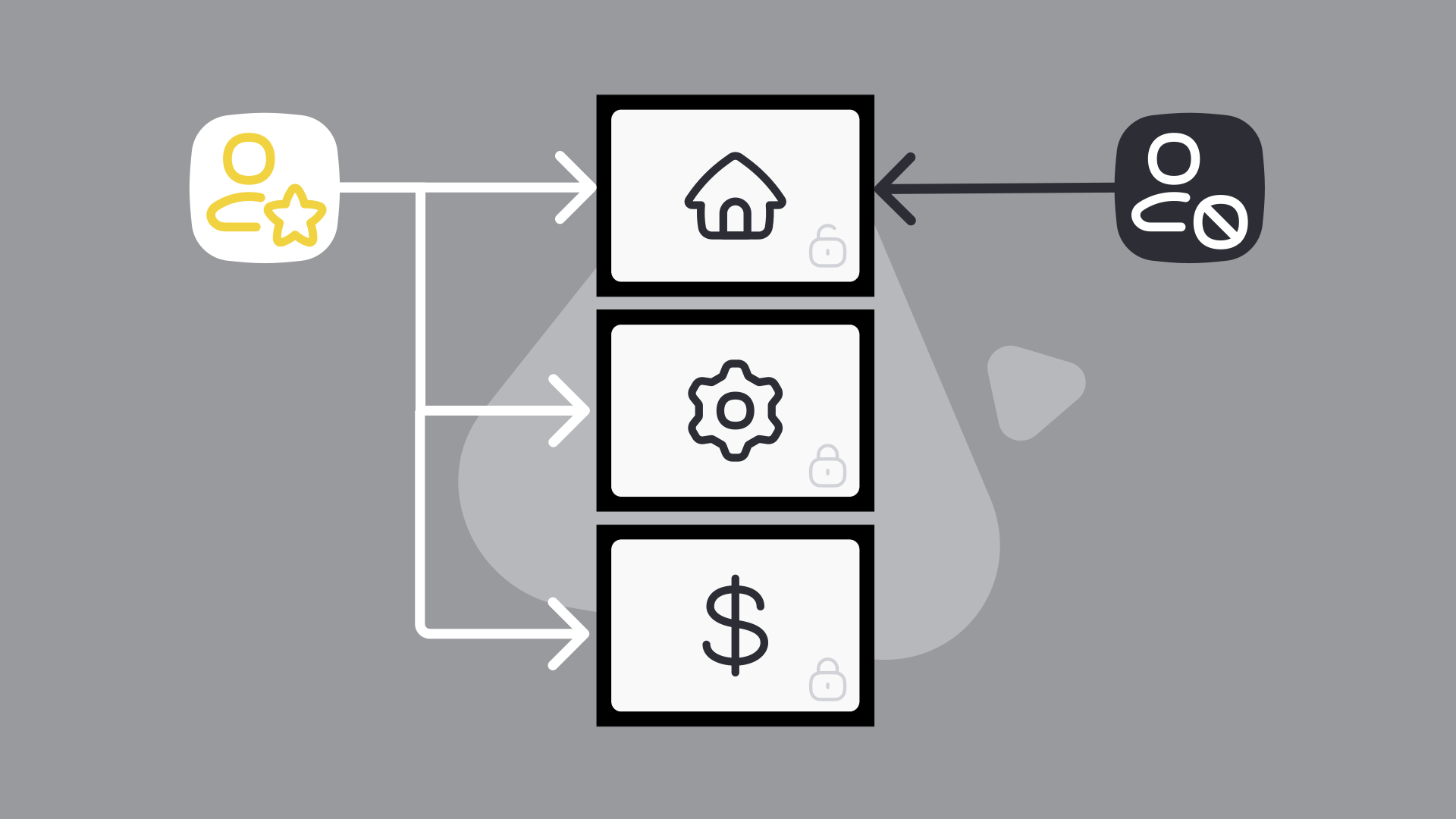
AI does not automatically respect user-level permissions, because it works with all the data it is given.
If an agent has access to a full dataset, it may use that entire dataset when generating a response. That means it could show information to someone who is not authorized to see it.
For example, an internal HR chatbot that answers employee questions might accidentally reveal details about colleagues when an employee asks about their vacation days or declared expenses — simply because it has access to all employee records. That is a clear breach of confidentiality, even if the request itself was valid.
The solution is not to block AI from data, but to control what it can access in each specific process.
AI should only have access to the data it needs for that task, and nothing more.
In practice, this means:
For example, an HR-related AI agent should only retrieve data about the requesting employee, not the entire employee database.
Permissions alone are not enough. You need guardrails in how AI is used within workflows. This includes:
These safeguards reduce the chance that sensitive data is exposed, even if the model has broader access behind the scenes.
It can be tempting to give AI broad access to make it more useful. But this increases the risk of unintended exposure.
A better approach is to start with minimal access and expand only when necessary. This keeps control over sensitive data while still enabling useful automation.
When AI is part of your workflow, permissions are no longer just a system setting. They are part of how you design the process. By defining clear boundaries and limiting access per use case, you can prevent data from being shown to the wrong people.
In the end, AI does not remove responsibility for data access. It makes it more important to get it right.
For more on handling sensitive data in AI workflows, see our article on ensuring data privacy with AI integrations.